HP says memory and storage now make up nearly 40% of PC parts costs: upgrade or replace your laptop?
HP's latest earnings reveal rising component costs. Compare the cost per year of upgrading an existing laptop against buying a replacement during Black Friday.
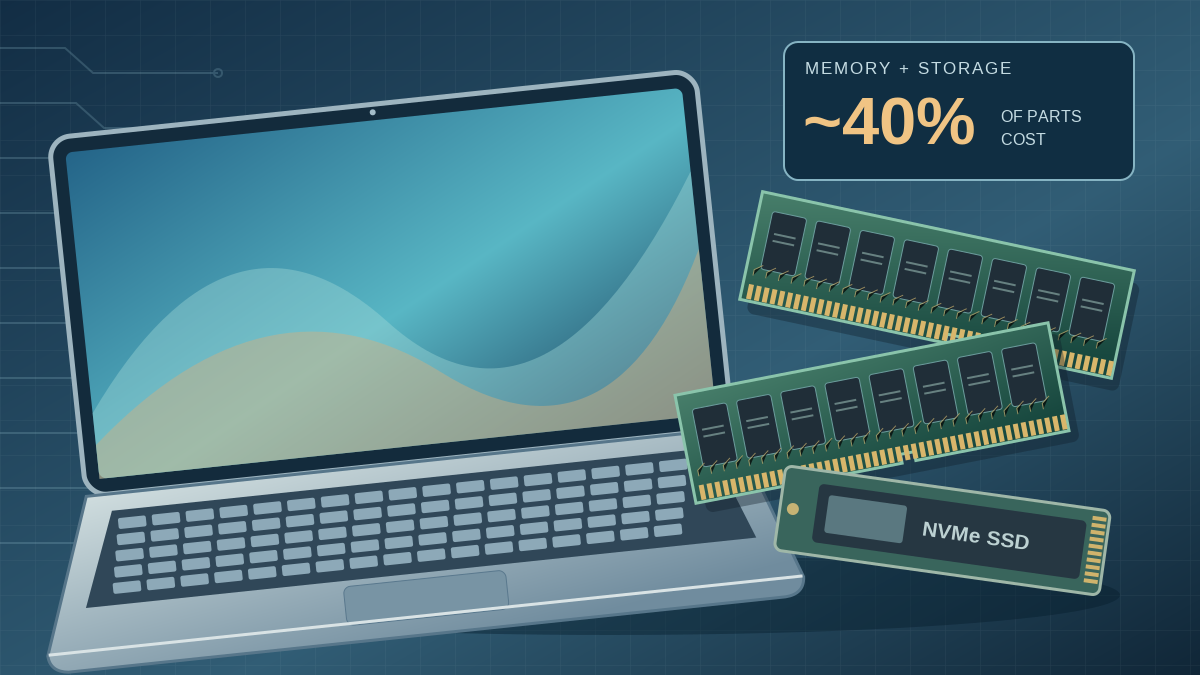
HP's latest results illustrate an unusual challenge for shoppers comparing laptops ahead of Black Friday on November 27: component costs are rising even as fewer computers are being shipped. On its November 24 earnings call, chief financial officer Karen Parkhill said memory and storage had grown from roughly 15–18% of the company's PC bill of materials at the beginning of fiscal 2026 to around 40% by the fourth quarter.
That does not mean that 40% of a laptop's retail price goes to memory chips. A bill of materials covers the components used to build a product, not its complete selling price. Labor, distribution, warranties, software, margins and other expenses are separate considerations.
How the component-cost balance has changed
Source: HP earnings call, November 24; transcript published by The Motley Fool. Bars share a 0–100% scale. The striped segment represents the initial estimate's range, not a forecast.
HP reported quarterly revenue of $16 billion, 9.3% higher than a year earlier. Its Personal Systems business earned $11.8 billion in revenue, up 14%, despite a 29% fall in units shipped. Consumer PC revenue fell 7% while commercial PC revenue rose 23%. The results reflect HP's own business and should not be mistaken for worldwide PC market statistics.
Reuters also reported that both HP and Dell were facing memory cost pressure, with Dell anticipating shortages extending into 2027. That makes configuration and repairability worth considering when comparing holiday deals. Neither company's results establish the future price of a particular laptop.
Find the actual bottleneck before buying anything
If a computer struggles when many browser tabs are open, check whether its available memory is consistently exhausted. If it takes a long time to start or open files, storage may be involved. But slow performance can also come from overheating, background programs, an aging processor or software problems. Adding RAM does not make every task faster.
Check the exact model's service manual before ordering components. Some laptops have soldered memory and cannot accept an upgrade; others have replaceable modules or storage drives. Confirm supported capacity, physical dimensions, interface and warranty conditions. Back up important files before changing hardware.
Calculator: upgrade versus replace
Compare approximate annualized spending for two options that meet your needs. Use all-in quotes including tax, installation and necessary accessories. The defaults are fictional US-dollar examples, not current component or laptop prices.
Upgrade: $140.00 per additional year
Replacement: $140.00 per useful year
Both options have the same estimated annual cost.
Simple annualized cash cost, not a discounted cash-flow model. The old computer's sale proceeds apply only to replacement. Future resale value, energy, financing and downtime are excluded. Useful life is an assumption, not a warranty. Inputs remain in this page's script.
When a cheaper upgrade stops being the better deal
In the example, $280 spent on an older laptop buys two expected additional years, while a replacement costing $700 after resale is expected to last five years. Both work out to $140 per year. If the existing laptop lasts only one more year, the upgrade's annual cost doubles to $280. Try several useful-life assumptions rather than relying on a single optimistic estimate.
For a work computer, account for lost time separately. A small hardware repair may be inexpensive but unsuitable if the system cannot run essential software securely or reliably. A replacement may be justified if it offers a meaningful improvement in the work you actually perform.
What to check on Black Friday
Compare exact model numbers and configurations, including RAM capacity, storage, processor, screen quality and battery condition. A lower advertised price can reflect a different specification. For refurbished computers, check return rights, warranty coverage and battery condition. Compare the total checkout cost against the repair quote, and avoid purchasing a configuration solely because it carries an AI label.
For buyers who mainly use cloud-based AI tools and ordinary web applications, local AI acceleration may not be a priority. For those running models or editing large projects locally, memory capacity and performance can be much more important. The useful configuration is the one suited to the workload, not necessarily the largest discount.
Sources & further reading
AI-assisted, source-based explainer. HP's earnings were released November 24; this report follows November 25 coverage. No current laptop prices, device compatibility, or repair quotes were independently tested. The calculator is illustrative. See editorial standards for corrections.