Bambu Lab launches $1,149 P3C: can lower filament waste pay for a 3D printer upgrade?
The seven-slot tool-changing printer offers a lower-priced alternative to the H3C. Compare potential material savings, hardware compromises and upgrade costs.
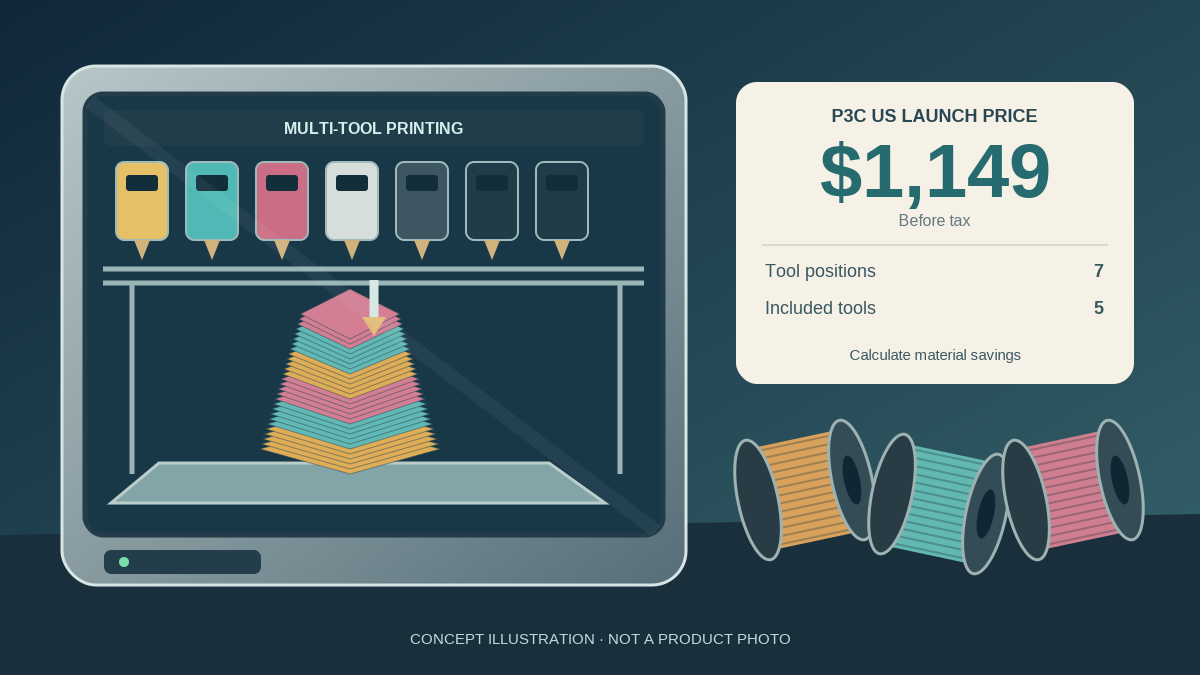
Bambu Lab introduced the P3C on November 24, bringing the tool-changing architecture of its more expensive H3C to a desktop machine starting at $1,149 in the United States before tax. Reports published on November 25 by 3DPrinting.com and TechNode highlighted its lower price and potential for less waste during material changes. The UK launch price is £999 including tax, according to 3DPrinting.com. Prices and availability may vary at checkout.
The new printer is aimed at creators who use several colours or materials in the same object. But whether it is an economical upgrade depends on the work it replaces, not simply on how many tools are available.
Why separate printheads can reduce waste
When a single-nozzle machine changes colours, residual filament must often be removed before the new colour can be deposited cleanly. A small object with many transitions can generate a surprising amount of discarded plastic. Separate printheads can retain their own materials instead, reducing the need to repeatedly purge a shared nozzle.
Bambu says the P3C has seven tool positions, five supplied standard printheads and a six-second material-change cycle. Two positions can be populated with optional equipment. These are manufacturer specifications, not independently measured performance by Dayline Brief. Supports, priming, unsuccessful prints and calibration still consume filament.
Where the cheaper model makes compromises
Compared with the H3C, the P3C offers a smaller build area, and its filament management system requires manual loading. Independent coverage by The Verge cautions that these compromises may matter to both beginners and experienced operators. Buyers should also consider the cost of additional printheads, drying equipment and maintenance.
A creator who primarily makes single-colour models may see little benefit from the extra tools. For a workshop making frequent multicolour prototypes, the economics may be different. The strongest comparison uses the same models, material requirements and number of successful finished objects.
Interactive: estimate your filament savings
Use the same currency for all costs. Enter comparable completed prints and discarded filament per print, including an allowance for failed jobs if appropriate. Default numbers are fictional and are not P3C test results.
Assumes identical useful output and constant material prices and print volumes. Excludes power, labour, repairs, financing, downtime and new design capabilities. No currency conversion is performed.
Worked example: the difference between hobby and production use
At 40 prints a month, saving 60 grams of filament per print reduces material waste by 2.4 kg. At $25 per kilogram, that is $60 a month or $720 annually. An additional hardware investment of $1,000 would take about 16.7 months to recover through material savings alone. At ten prints a month, the same waste reduction would save just $15 monthly, extending the payback to nearly 67 months.
Time savings could matter more than plastic for a business with a full order book. To quantify that separately, compare how many additional saleable objects can actually be produced and sold, accounting for labour, maintenance and rejected items. Faster theoretical switching does not guarantee increased revenue.
What to check before ordering
- Compare sliced versions of your actual projects using suitable printer profiles and account for total material usage.
- Check bundle contents, optional tool costs, local taxes and delivery charges.
- Confirm the build area, material compatibility and independent reliability results for your intended jobs.
- Review warranty terms and replacement part availability in your country.
- Choose a suitable location with ventilation and follow the manufacturer's safety instructions.
The P3C provides a new option for multicolour printing, but continuing to use a reliable existing machine may still be the best financial choice for infrequent users.
Sources & further reading
AI-assisted, source-based explainer. Published November 25, 2026, one day after the launch. No independent product testing was conducted by Dayline Brief. All calculator defaults are hypothetical. See editorial standards for corrections.